Skateboard Configurator
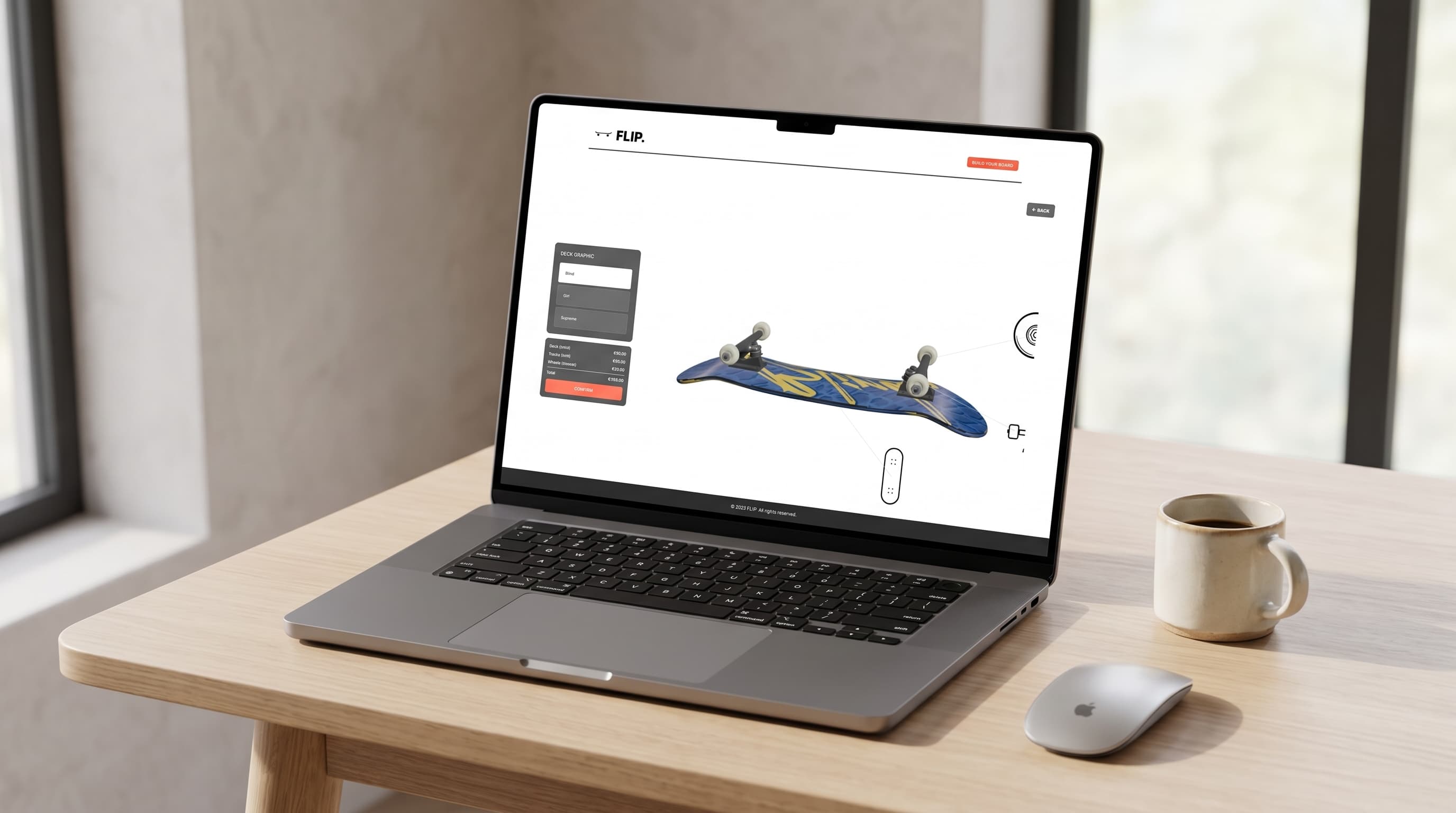
I've been skating for years, so when we had to build a 3D product configurator, a skateboard was the obvious choice: an object I know from riding it, not just from looking at it. Visitors choose a deck graphic, a wheel shape and a truck finish, and the board updates in the browser the moment they click, with a price that adds up as they build.
Modelling Every Part
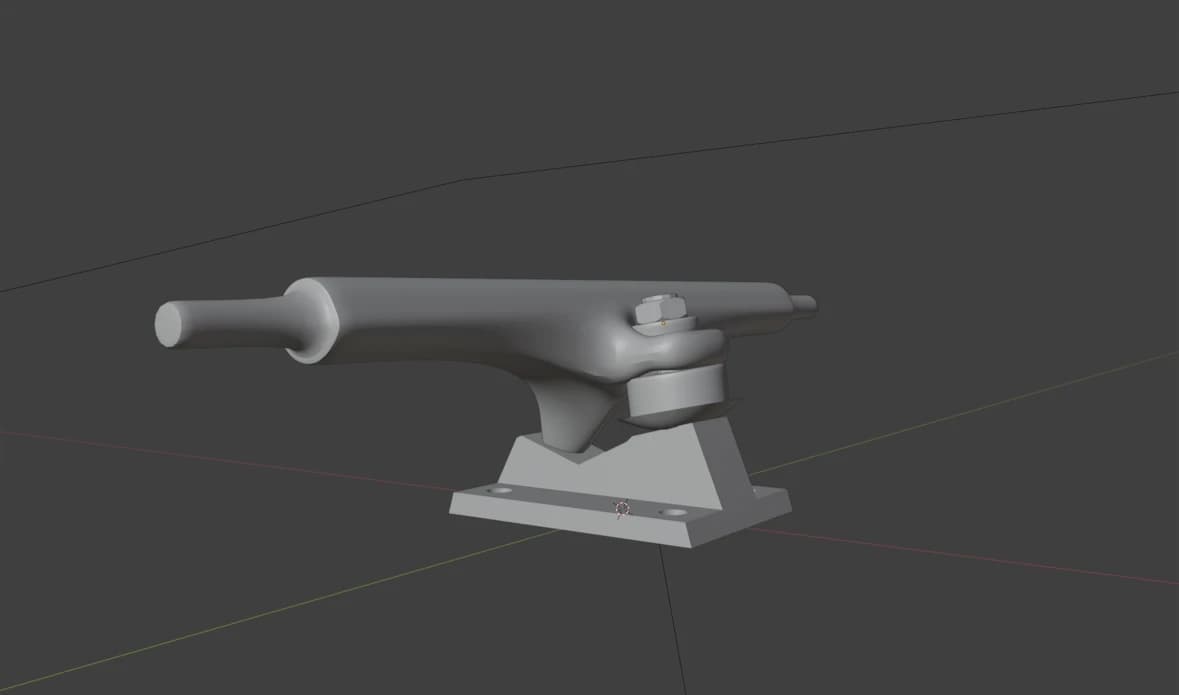
I modelled every part of the board myself in Blender: the deck, the trucks, three wheel shapes, down to the axle nuts. It was the first object I ever modelled without a tutorial. Before this, the only thing I had made was a low-poly car, following one step by step.
The trucks were by far the hardest part. A truck is all curves that flow into each other: the hanger, the kingpin, the bushings and the baseplate have to connect so it looks like one piece of cast metal. It took several days, help from classmates and a lot of starting over, but getting it right is still what I'm proudest of in this project.
How It Works
- Deck graphics. Three graphics, applied as textures to the bottom of the deck. Choosing a deck flips the board over, so you see the graphic you just picked.
- Wheel shapes. Classic, conical and wide, each its own model. When you switch, the new wheels slide onto the axles and the nuts tighten after them, like fitting a new set.
- Truck finishes. Raw, black and gold, as realistic metal materials that differ in colour, shine and roughness.
Each category has its own camera moment. Pick one, and the board turns and moves in for a close-up of that part; close it, and it returns to the overview. It was my first time using GSAP. Every move first returns the board to its starting position before heading to the next part, so it never takes an odd route between two close-ups.
You can also choose a part directly on the board: small icons attached to the deck, trucks and wheels open their category.
Under the Hood
The configurator is built with React Three Fiber and Drei. Each part is its own component with its own model and material, brought together in one component that handles the movement. A shared store keeps track of the price of every option, so the total updates with each choice. All models are preloaded, and a loading screen covers the first load.
Looking Back
The configurator works, but it isn't very accessible. The icons on the board can only be clicked with a mouse, and the options don't explain clearly enough what they change. Today, I'd make every option reachable with a keyboard and give each one a clearer label. I'd also compress the models with Draco: the deck alone is over 4 MB, which makes the first load slower than it needs to be.